
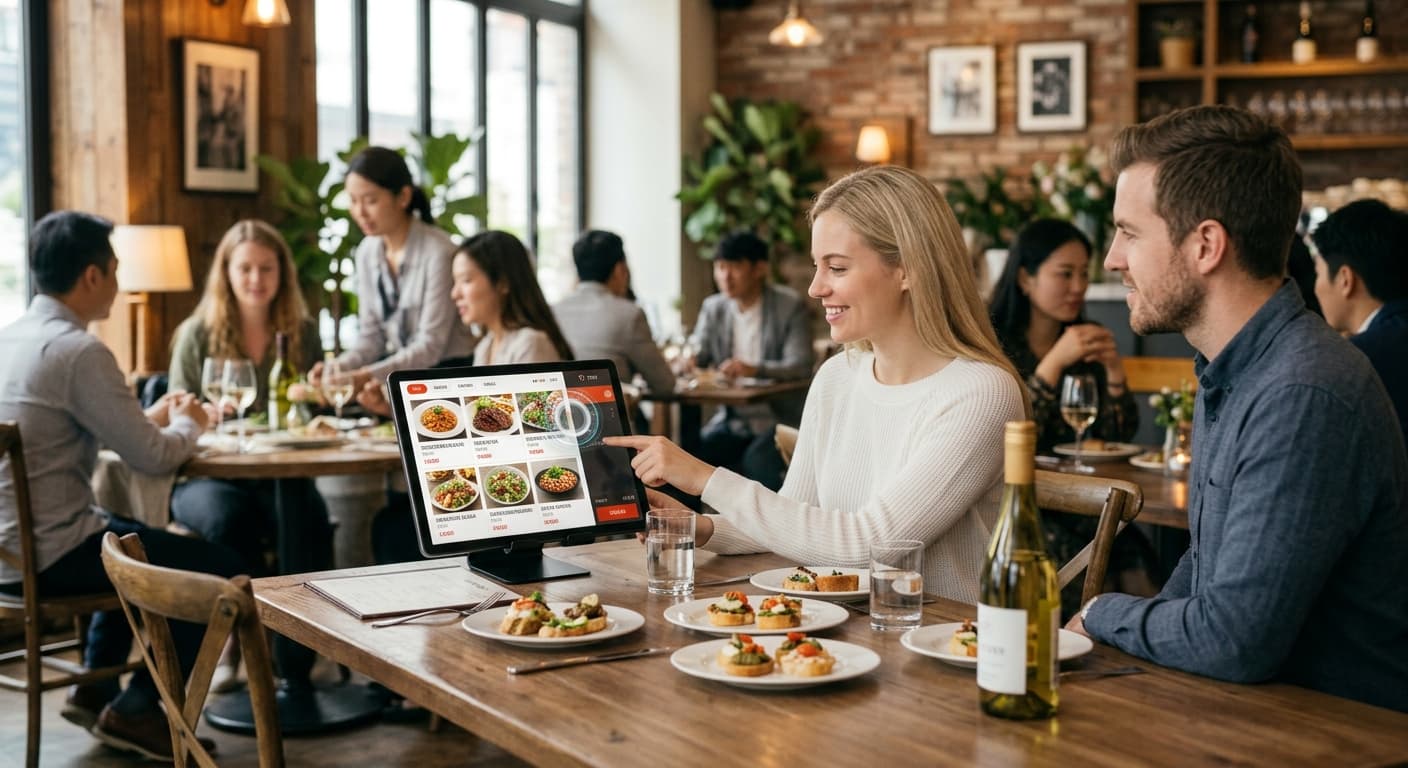
Table order
Order as you sit. Staff stay a little longer beside you.
When guests choose at their own pace, staff can give attention to eyes and care — not handwriting every line.
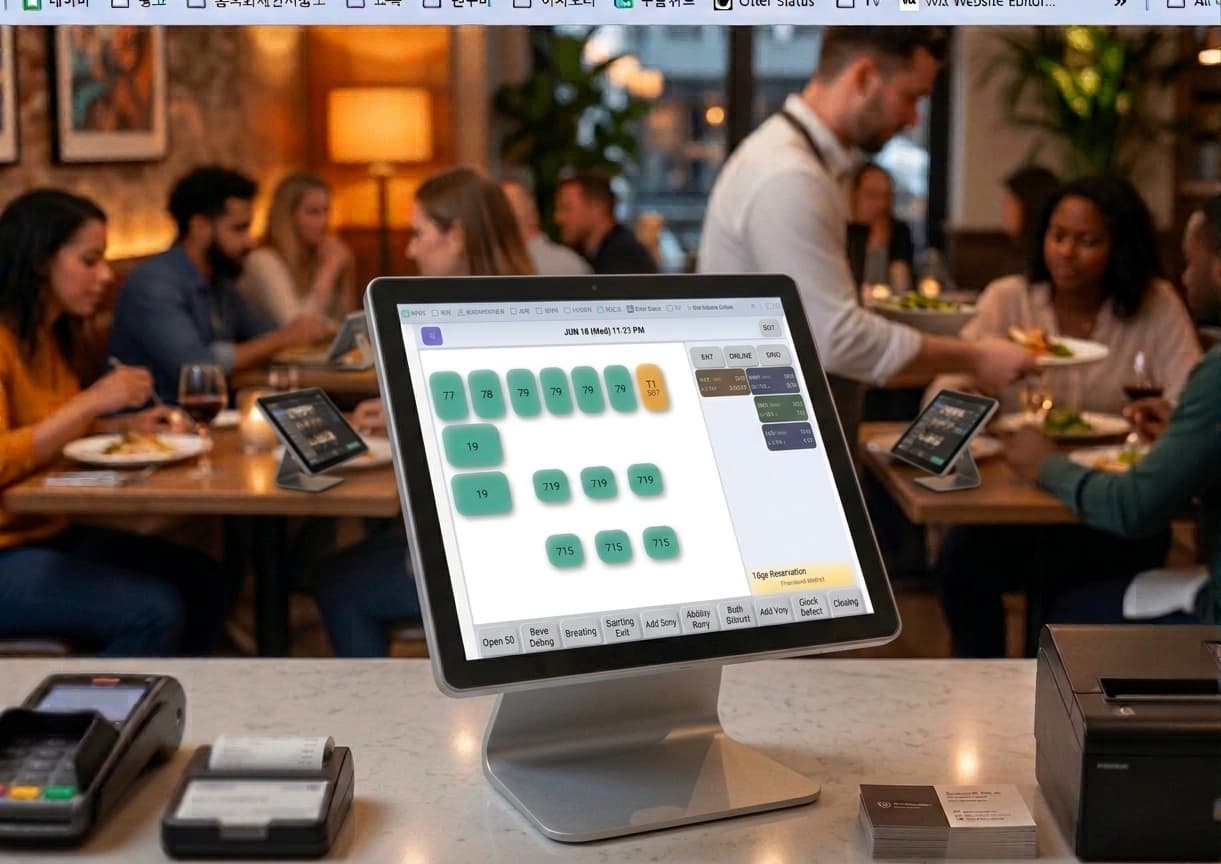
Table order + POS
Guests order — POS and kitchen instantly
QR, tablet, and kiosk ordering at the table — straight to ThezonePOS. Same menu, modifiers, and 86s — no retyping.
Table order strengths
More guest orders, less staff entry
Servers serve; POS captures orders accurately.
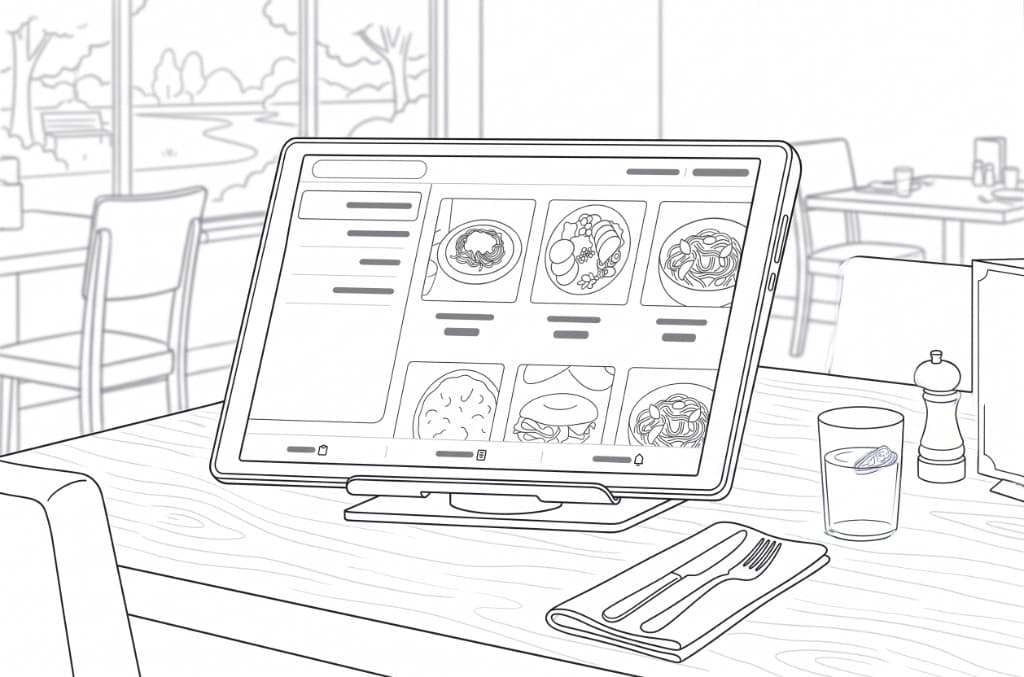
QR & tablet
Scan at table or use tablet — order when ready.
Kiosk link
Wait and togo kiosks — same menu and pay flow as POS.
Instant POS
Table orders → POS and kitchen — no manual entry.
Same MenuID
Modifiers, 86s, prices — fully synced with POS.
Call server
Guest call — alert on POS for fast response.
Split & rounds
Guest rounds — FSR flow preserved.
Less staff entry
Fewer order notes — more time at peak.
Unified closing
Table order in the same Z-report.
Order flow
From table to kitchen
Scan → order → POS → print.
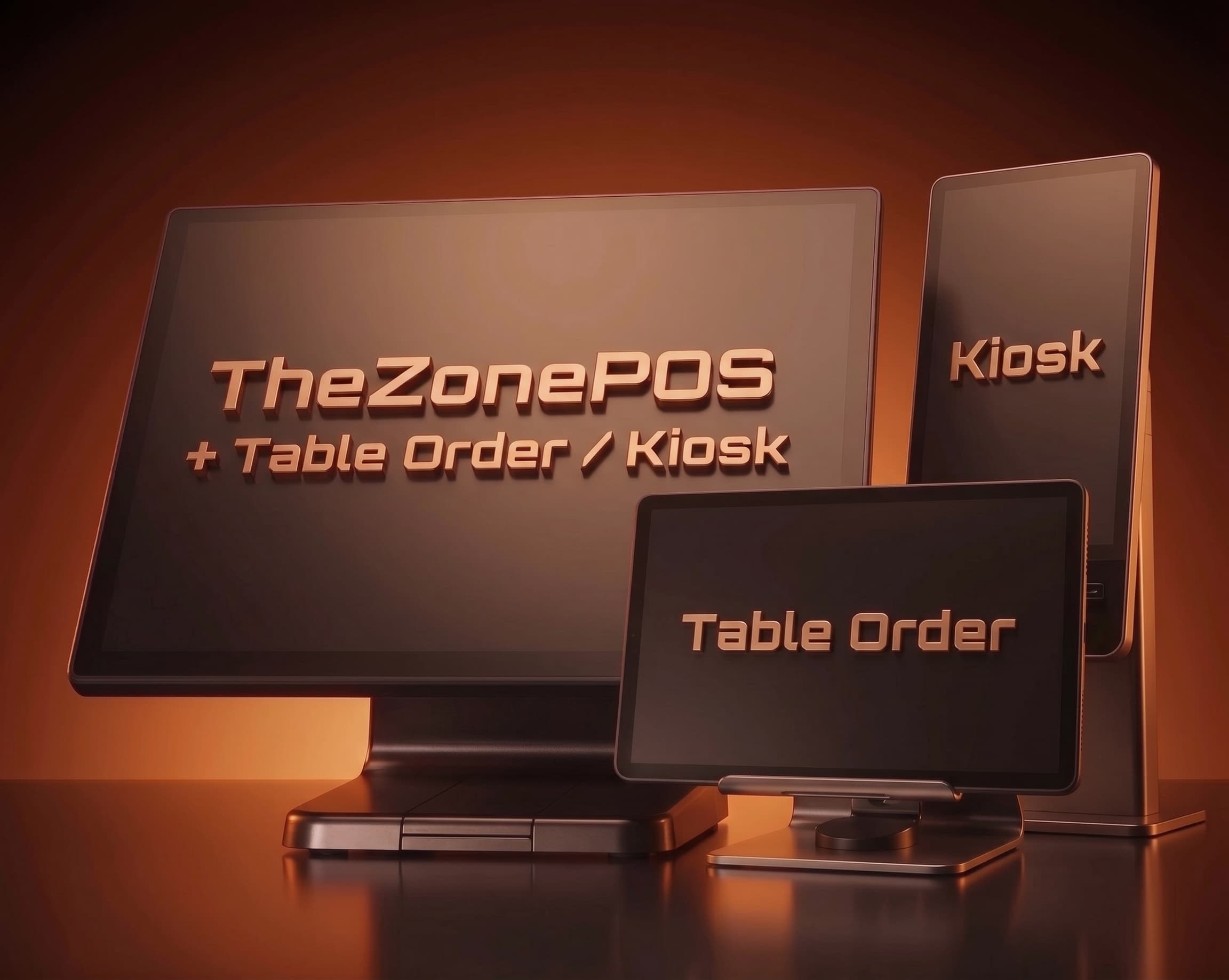
1. Guest — QR/tablet
Menu and options — table linked automatically.
2. POS — instant
Table channel — same screen as dine-in.
3. Kitchen ticket
Station print — start cooking.
4. Add-ons & call
More rounds and server call — same flow.
5. Pay & split
Pay on POS — move/merge and split supported.
6. Closing
Table order in unified report.
At a glance
Table order keywords
- QR · tablet
- Kiosk
- Instant to POS
- Call server
- MenuID sync
- Split · add-ons
- Kitchen ticket
- Unified closing
How would it look at your tables?
QR/tablet + POS intake — short floor-focused demo.