
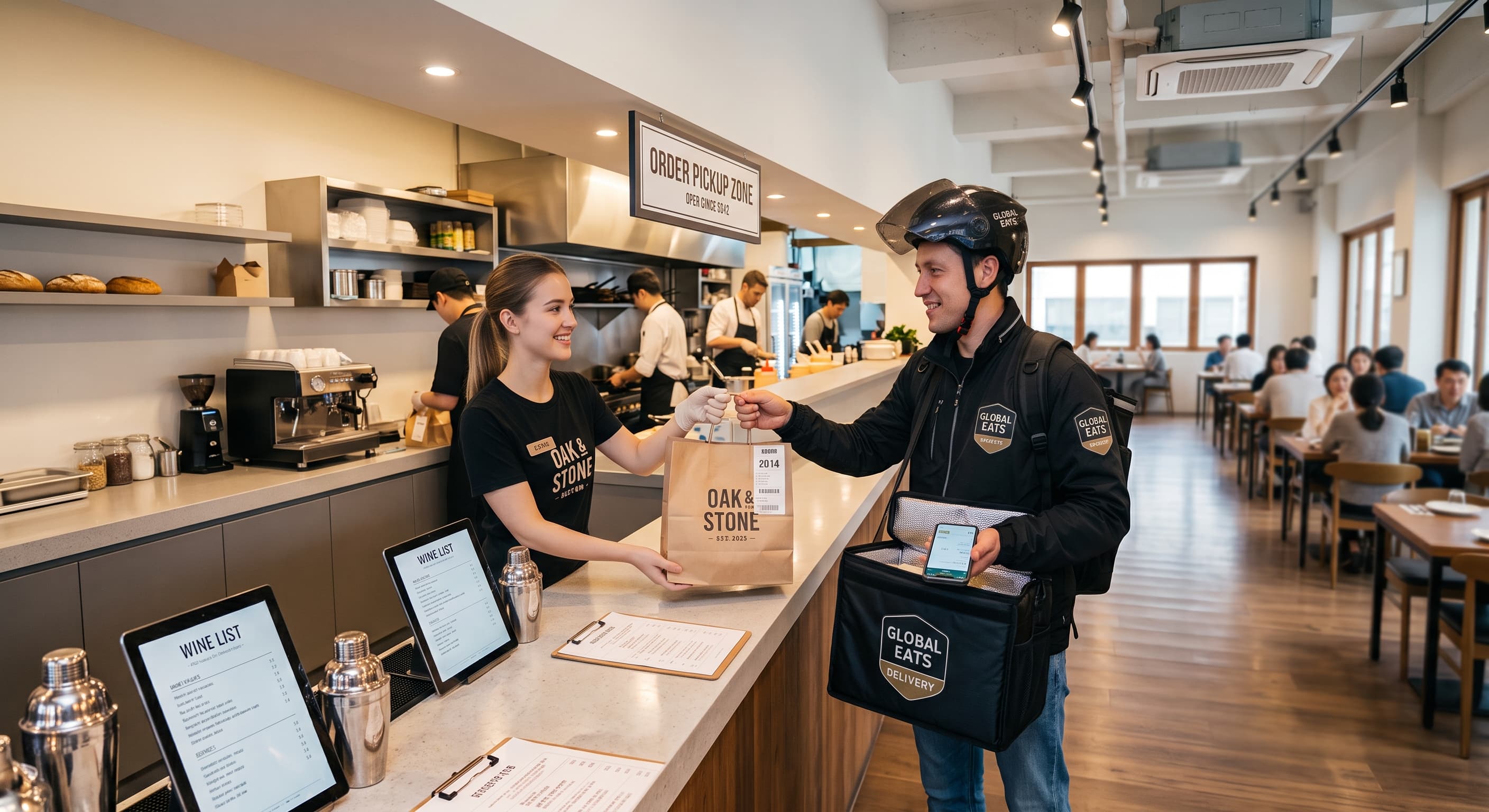
Delivery app integration
When you're short-staffed, ThezonePOS handles it all
An era where POS automatically accepts, prints, and reports orders
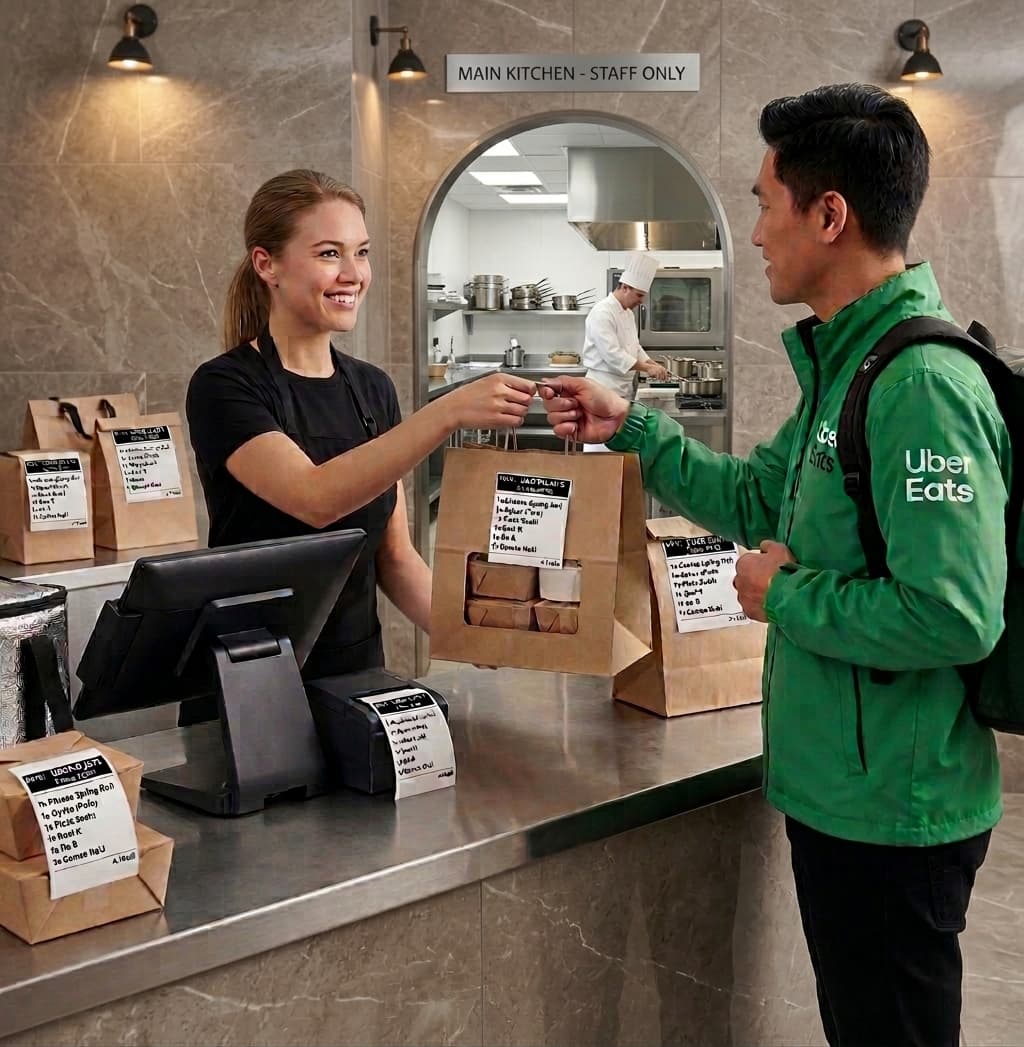
Delivery + POS
Different orders — one POS to manage them all
Multiple order channels on one POS with auto accept — order automation that removes repetitive work. Manual accept, auto accept, prep time, and sold out — all handled on one POS. Station printing, report closing, and multiple reports — fully unified.
Delivery strengths
Less tapping, more cooking and guests
More delivery channels — same intake rhythm.
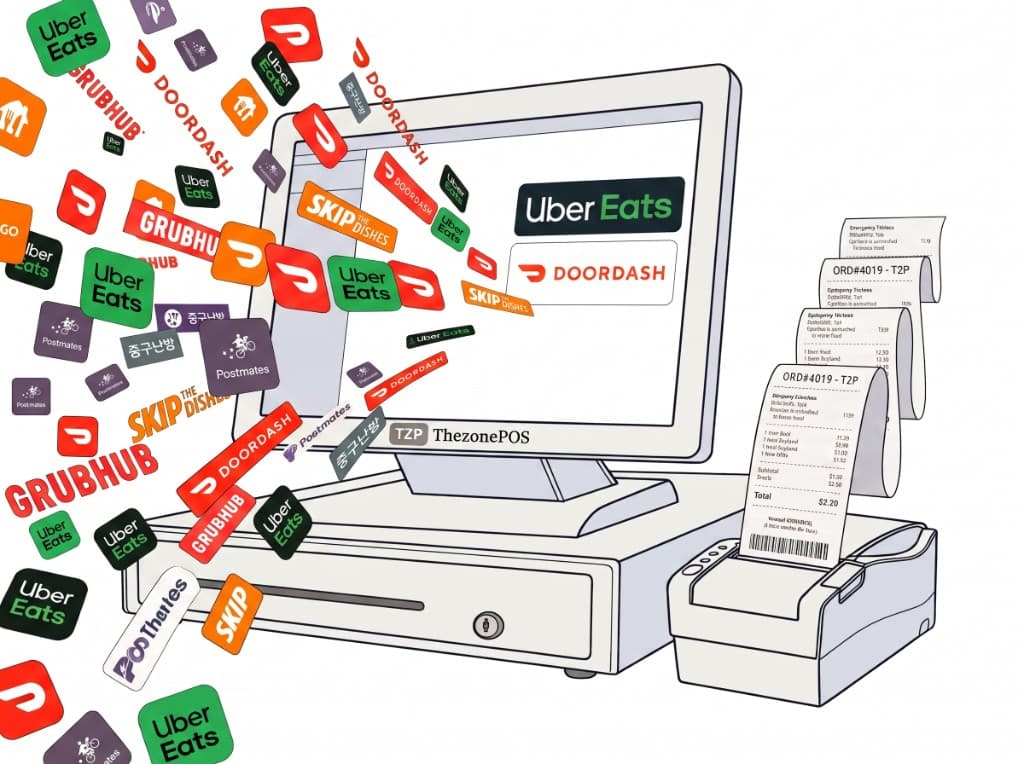
Auto accept
App orders → POS instantly. Alert, accept, kitchen print — no retyping.
No extra device
No delivery-only tablet or printer — one existing POS for intake and management.
Printer routing
Kitchen, server, and bar printers — selective menu output and high-resolution printing for easier kitchen tickets.
All orders on one screen
Dine-in, to-go, online, and delivery — same POS screen, fewer steps, higher efficiency.
Unified menu
Delivery app and store menus 100% aligned — one price across channels, no channel mismatch.
Prep, pause, sold out
Easy setup and changes from ThezonePOS or phone — reflected on delivery app channels.
Delivery app management
UberEats, DoorDash, SkipTheDishes, Grubhub, and more delivery apps.
Reports and analytics
Daily closing reports with delivery app sales, delivery sales breakdown, and more.
Intake flow
From app to kitchen
App → POS → print → done — no double entry.
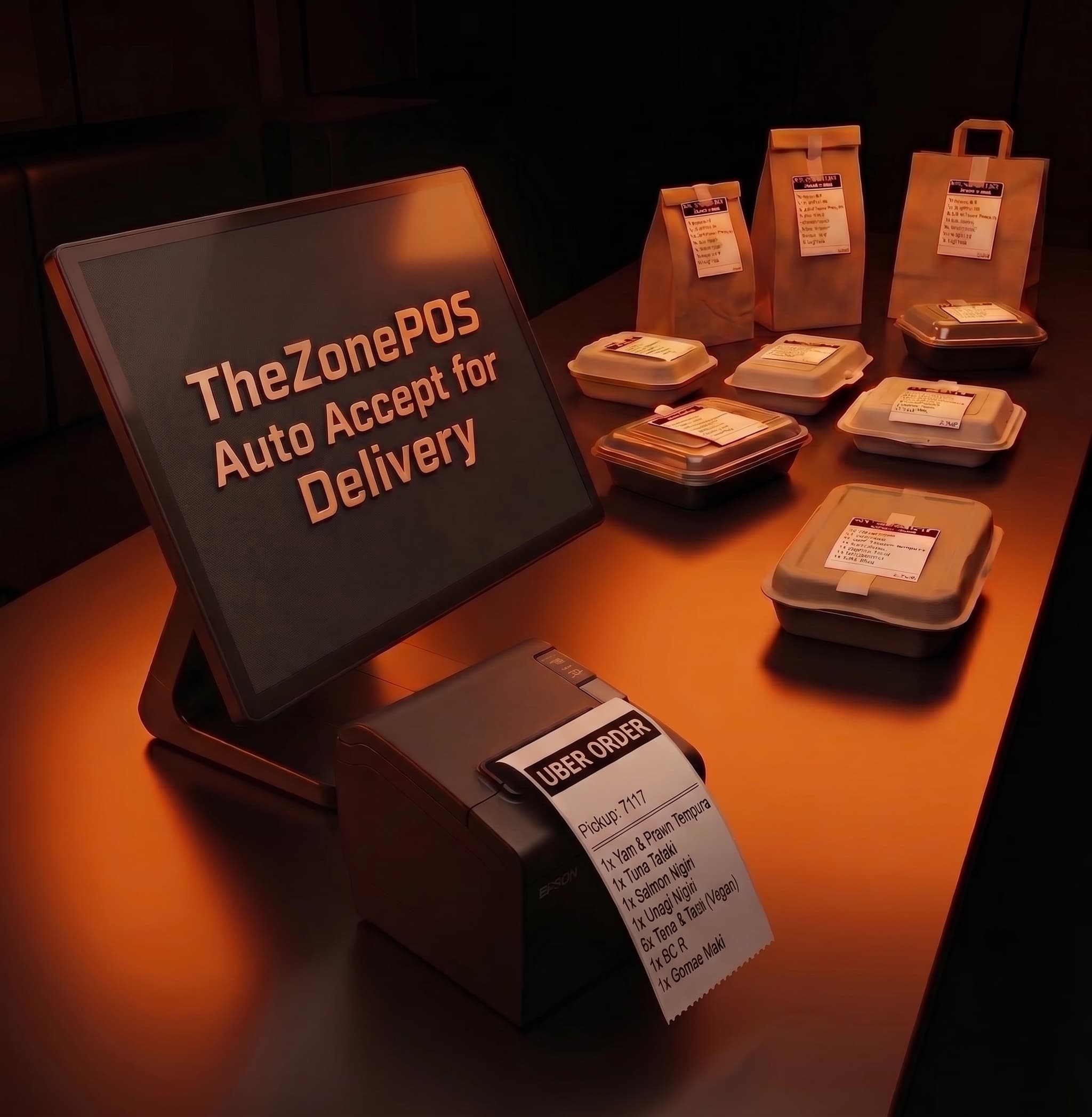
1. Guest orders on app
Uber, DoorDash, Skip, etc.
2. Sync to POS
Order sync through ThezonePOS cloud integration.
3. POS auto or manual accept
Alert, accept/decline, or auto — order intake.
4. Kitchen ticket
Station print — start cooking.
5. Status & handoff
Ready for driver pickup.
6. Unified closing
Channel sales reports — daily closing report in one place.
At a glance
Scattered delivery orders — intake complete on one ThezonePOS.
- UberEats, DoorDash, SkipTheDishes
- Delivery order auto accept
- Delivery order manual accept/decline
- Printer-sorted printing
- Menu sync
- Prep and Pause settings on POS
- No extra tablet needed
- Closing reports and analytics
Compare your delivery intake
Your flow vs POS auto-accept — short demo.