
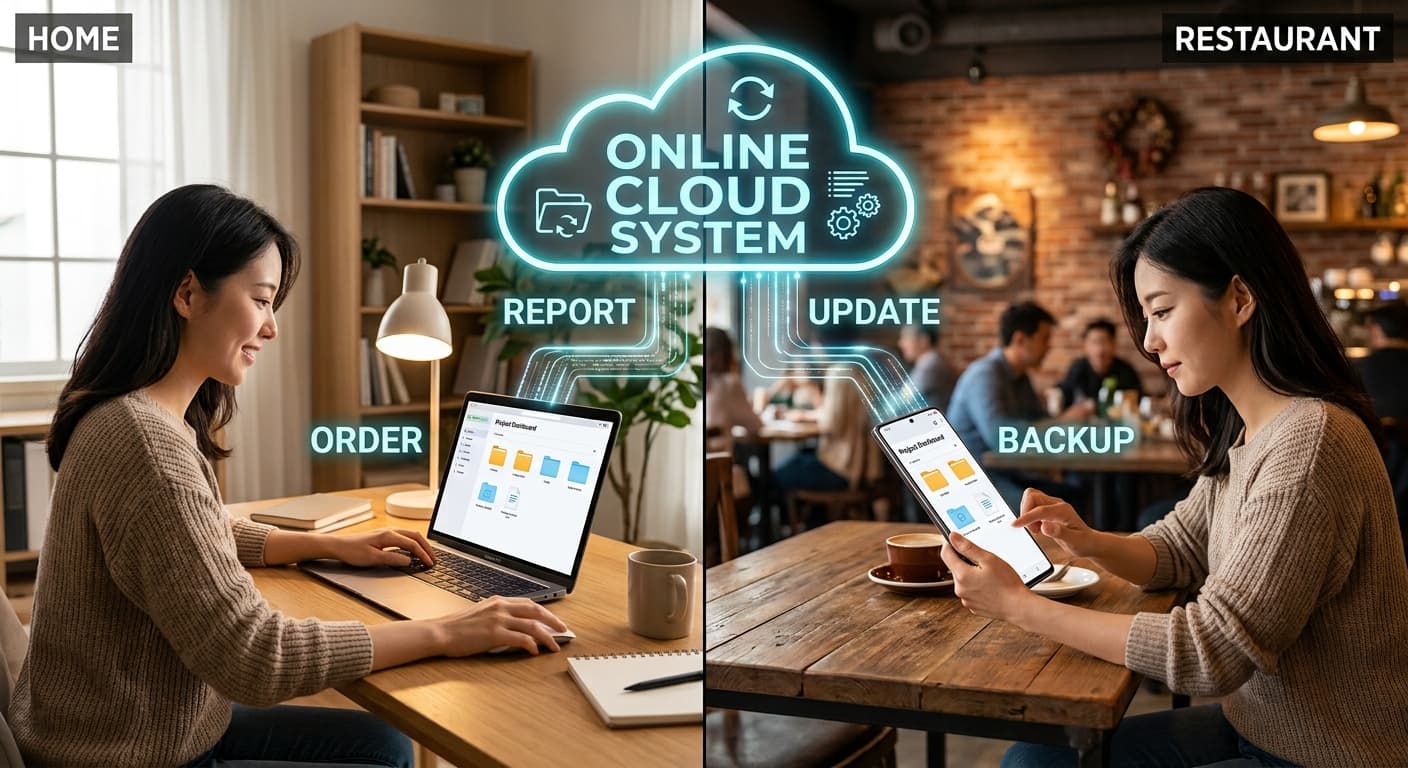
Cloud + POS
Cloud management
Manage pause, prep time, sold-out, and rewards for online and delivery from anywhere with internet
Real-time sales and reports from phone or office PC — dedicated accountant login management

Cloud + POS
Off-site menu, orders, and reports
ThezonePOS cloud backs up POS data, lets you edit menus anywhere, and shows live sales and reports. Manage online and delivery pause, prep, and sold-out from any browser.
Cloud strengths
Data safety and remote ops
POS on the floor — control in the cloud.
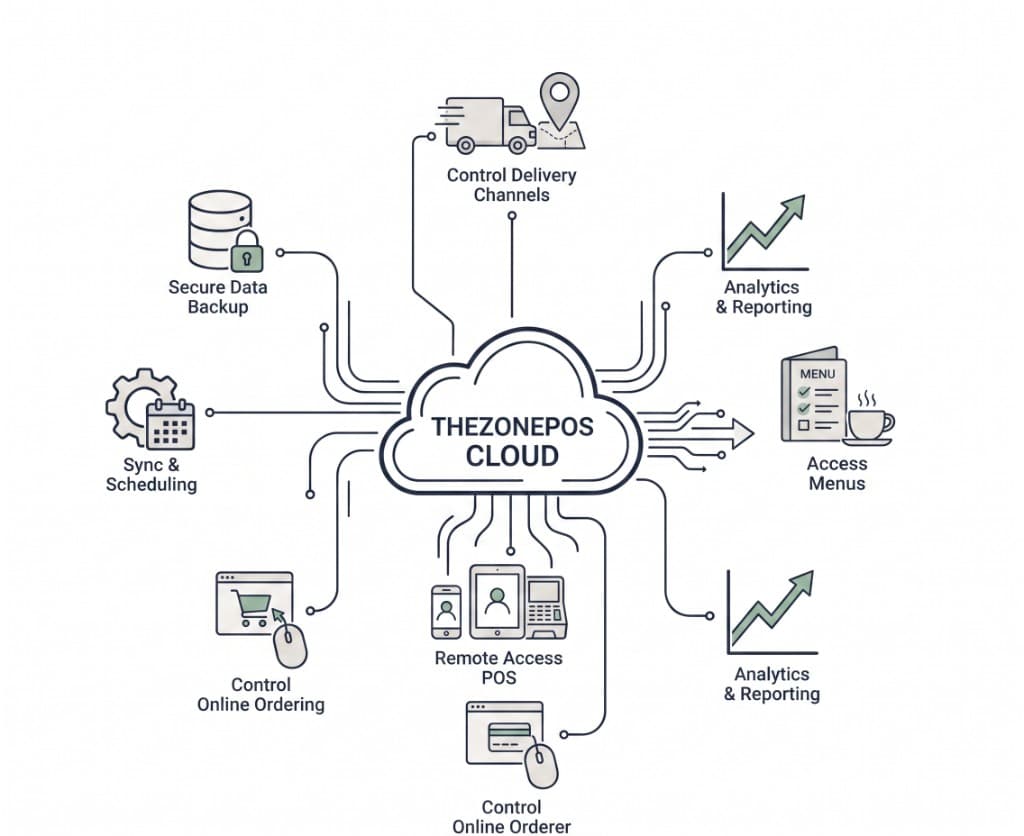
Cloud backup
Dine-in, to-go, and online orders from POS — menu and settings auto-backed up. Simple recovery if store PC fails.
Remote menu
Add, remove, reprice, and edit options from office or home — fully synced to POS and online.
Live sales & reports
Phone or PC — live sales, daily snapshot, closing reports, and more.
Online & delivery settings
Pause, prep, sold out — set in cloud and force-sync to POS.
Accountant ID
Report-only logins for accountants and HQ — view and download without store visits.
Multi-store
Overview across locations from the cloud (by package).
Rewards & settings
Online rewards and ops — managed in cloud.
Remote POS access
Phone, tablet, or PC — secure access to POS data and settings off-site.
Sync flow
POS ↔ cloud ↔ online
Change once — POS, guest app, and delivery follow.
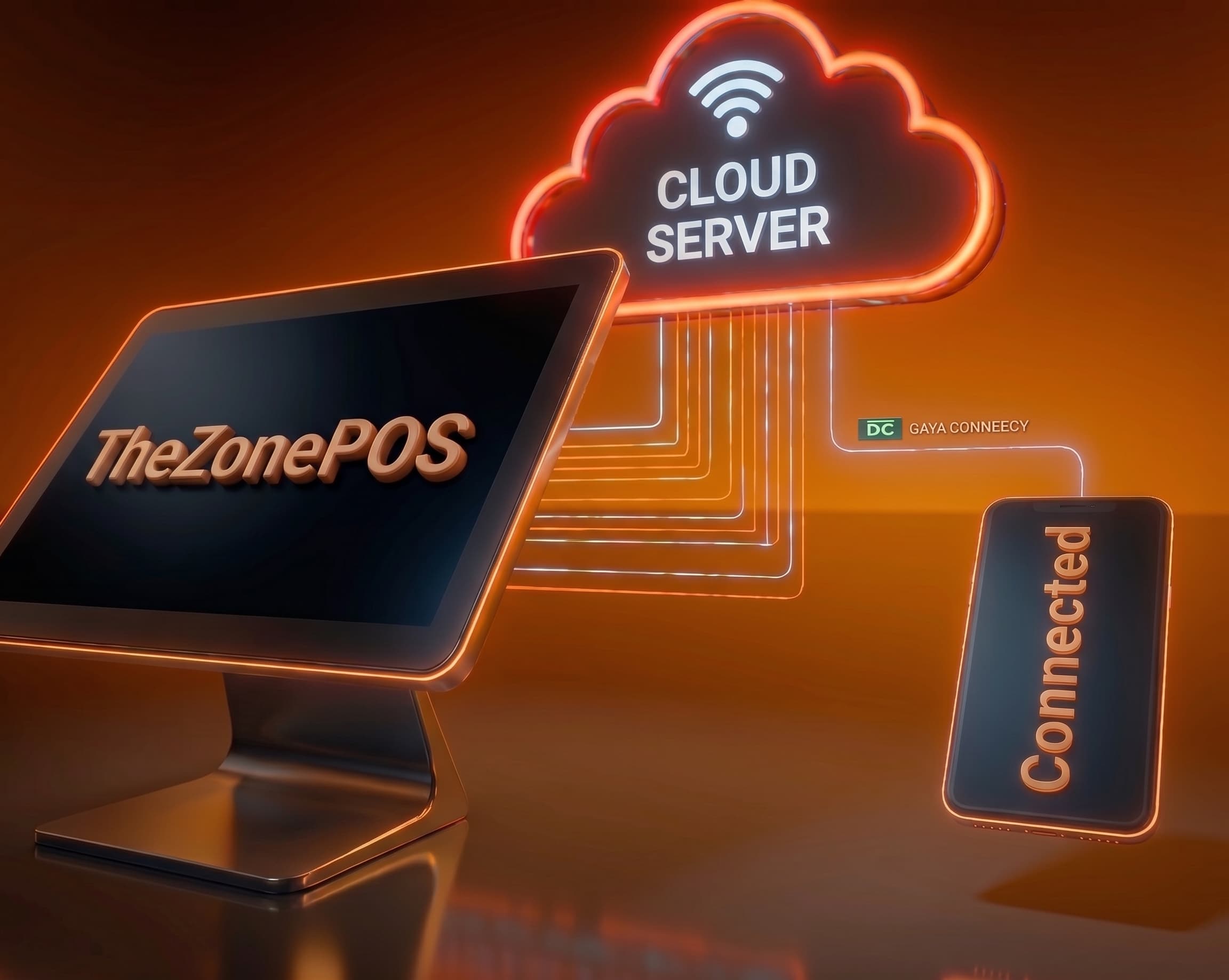
1. POS — store floor
Orders, pay, close — local POS.
2. Cloud sync
Menu, settings, order backup.
3. Online & delivery
Firebase — guest page and pause.
4. Remote control
Phone/PC — pause, prep, 86s.
5. Reports
Live and closing — anywhere.
6. Recovery
Restore from backup — back open.
Remote control
What you can do from cloud
With internet — not necessarily in the store.
- Online & delivery pause
- Prep time & sold out
- Menu, price, modifiers
- Live sales view
- Z-report history
- Accountant login
At a glance
Cloud keywords
- Cloud backup
- Remote menu edit
- Live sales
- Pause · Prep
- Sold out
- Firebase sync
- Accountant login
- Z-Report access
Cloud + POS — for your restaurant
Remote pause, menu, reports — short demo.