
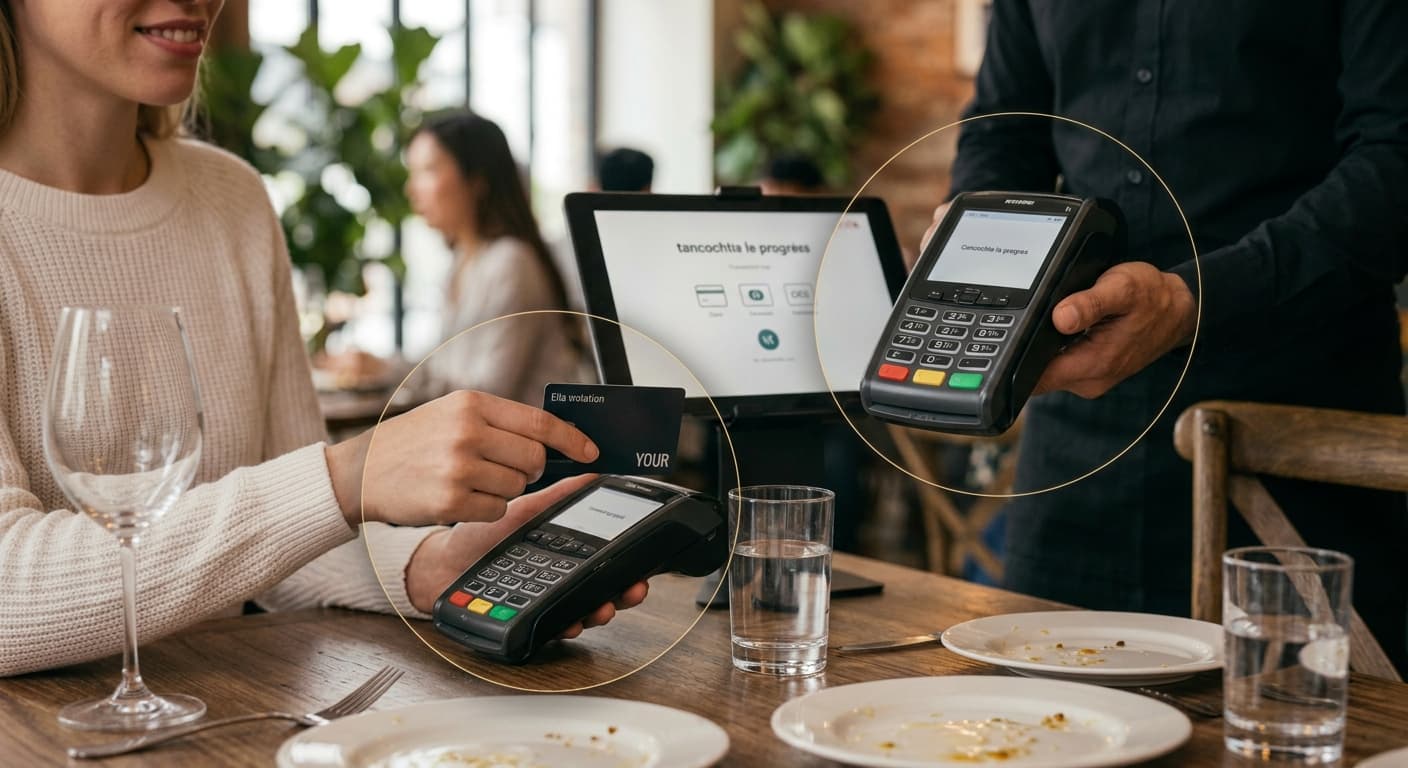
Card payment
The terminal hears the amount — without saying it twice.
When orders and payment continue on the POS, you retype less and mismatch less. How TheZonePOS works with integrated credit card terminals.
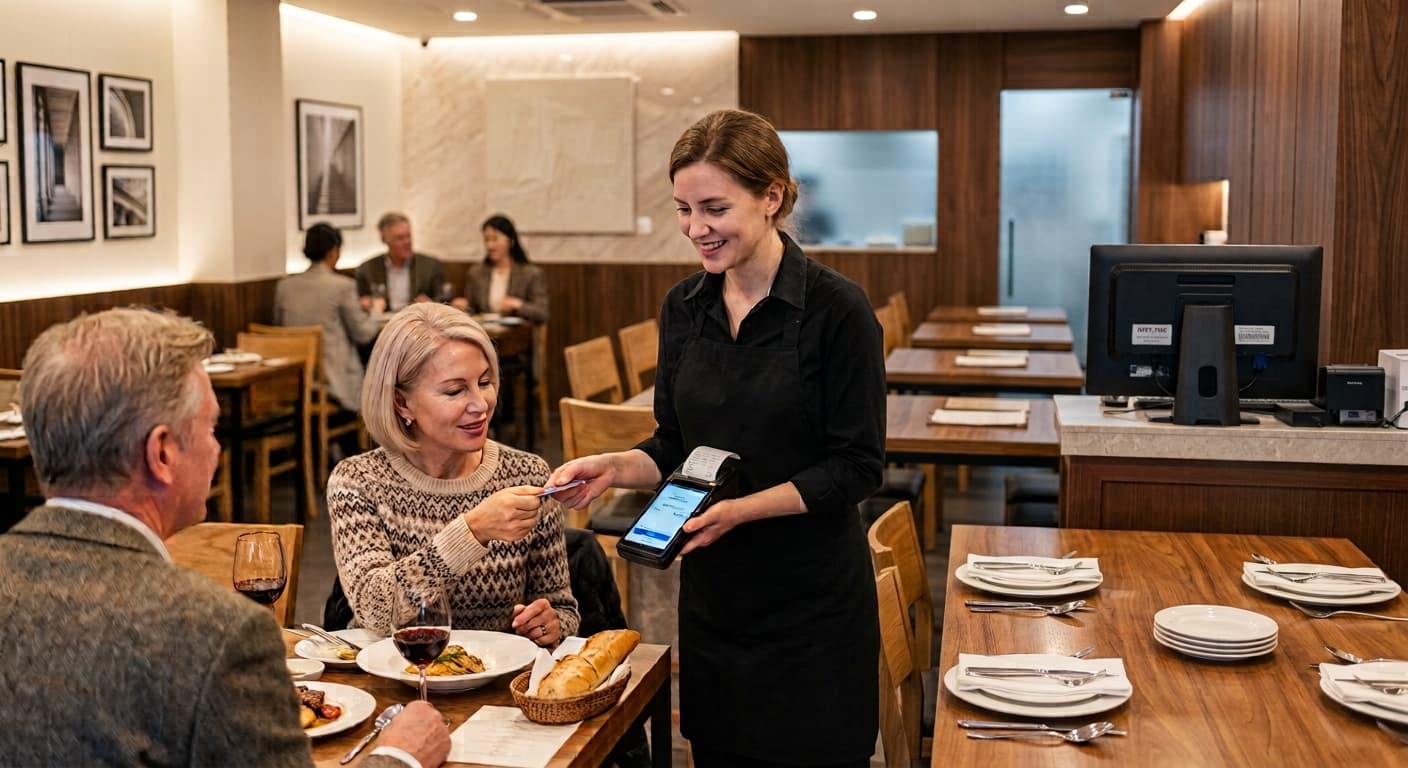
Card payment + POS
POS amount → terminal automatically
Don't retype totals on the card machine. Pay on POS — amount goes to the terminal; approval, refund, and closing stay on the same order.
Card payment strengths
Fewer entry errors, accurate closing
Order and payment in one flow — terminal beside POS.
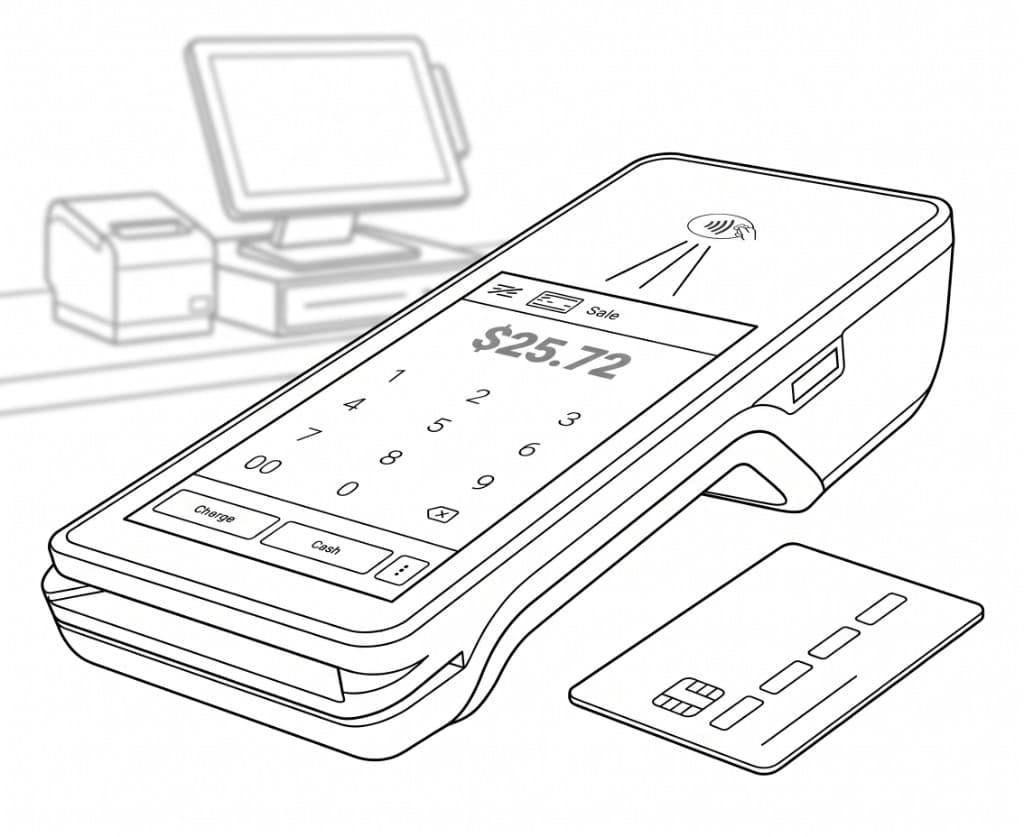
Auto amount send
POS total → terminal. Less manual entry and mismatch.
Split, tip, discount
POS math matches card charge.
Approval & refund
Card auth, void, refund — tied to POS order.
Unified closing
By payment type — Z-report PAYMENTS.
Gift card
Sell and redeem — linked on POS.
Cash + card mix
Split payment — correct change and drawer.
Fee fit
Card fee solutions for restaurants.
Desktop store
ThezonePOS app + terminal integration.
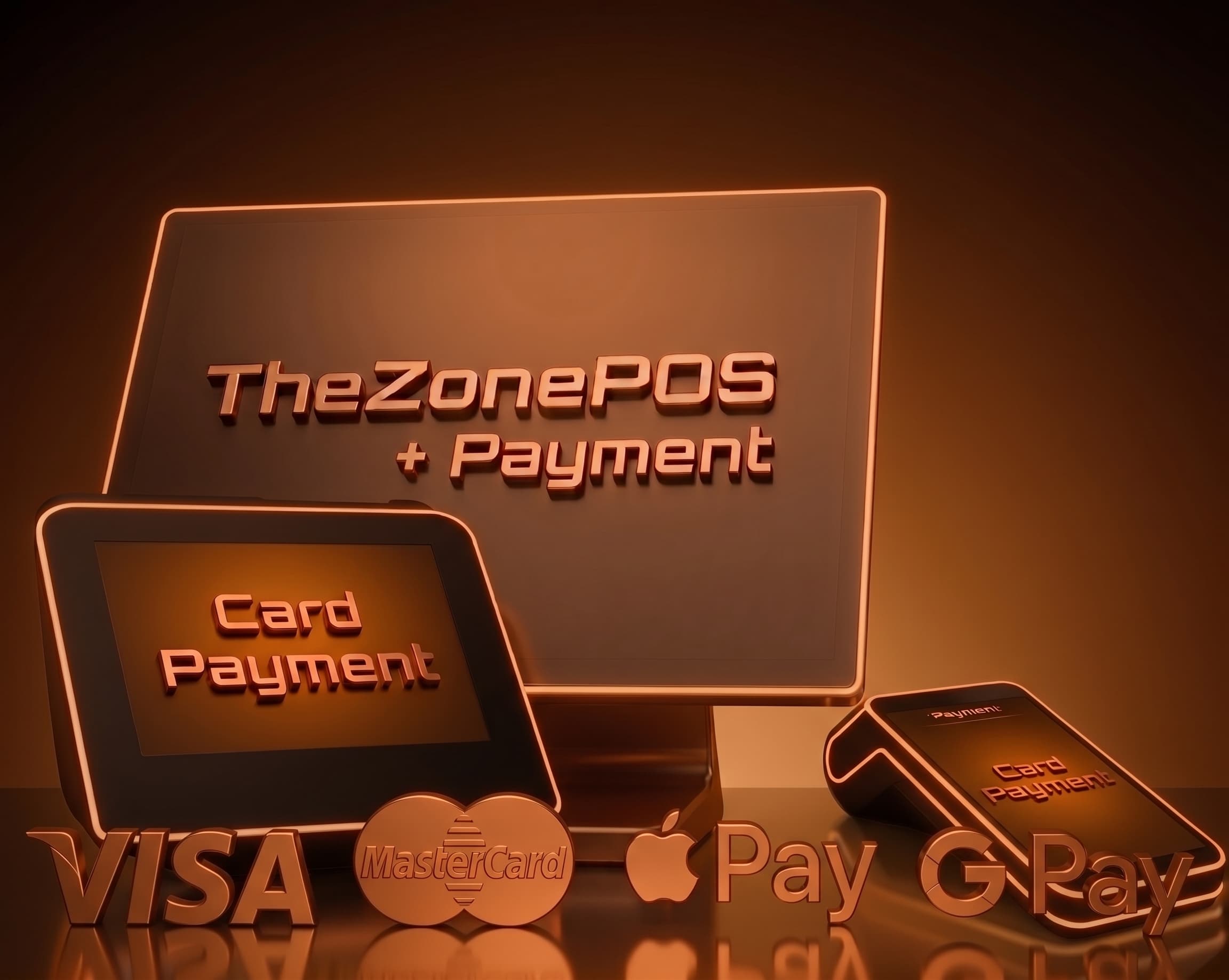
Payment flow
From order to approval
POS total → terminal → record → close.
1. POS — order math
Split, tip, discount — final total.
2. Choose method
Card, cash, gift card, or mix.
3. Amount → terminal
Auto send — guest taps or inserts.
4. Approval & receipt
Recorded on POS — print receipt.
5. Refund & void
Same order trail — audit safe.
6. Closing
Card, cash, gift — Z-report.
At a glance
Card payment keywords
- Auto amount send
- Split · tip
- Approve · refund
- Gift card
- Cash + card
- Change
- Z-Report PAYMENTS
- Terminal link
See your card payment flow
Terminal link and amount send — short store demo.