
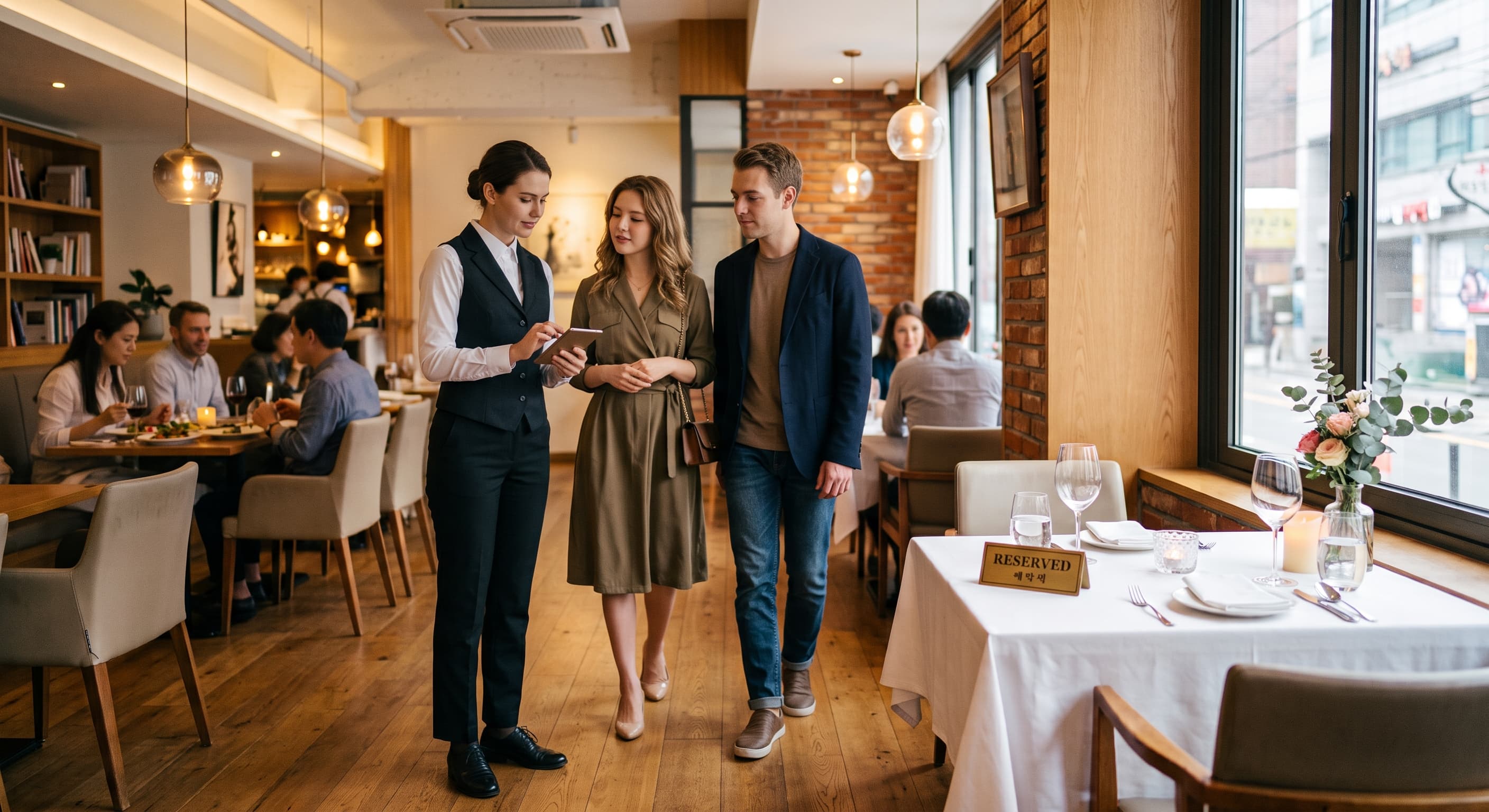
Reservations
Online and POS unified reservation — overbooking prevention built in.
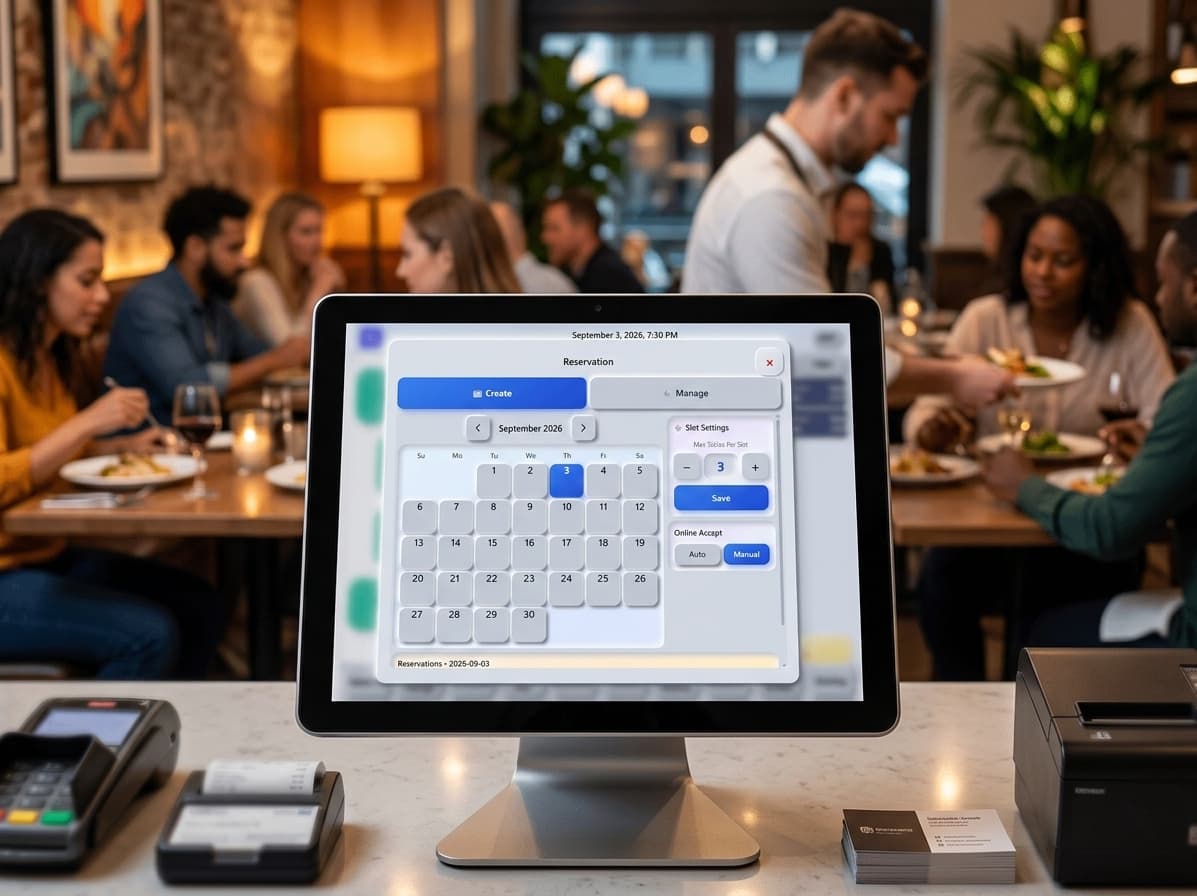
Reservations + POS
Online booking and floor ops — one flow
Guests book online — reservations land on POS automatically. Remaining seats block overbooking; on POS you adjust tables and times for real floor conditions.
Reservation strengths
No overbooking, flexible floor
Overbooking prevention online. Flexible table booking in-store.
Online booking intake
Guests find open slots and book on your online page.
Overbooking guard
By remaining seats and slots — unavailable times hidden.
POS flexibility
Handle day-by-day situations on POS — add bookings to open slots.
Reservations at a glance
Today's reservations on the POS home screen. Daily and monthly calendar views.
Table map link
Reserved tables tied to floor map.
Reservation print
Online and POS reservations print out and show on screen.
No-show history
Track no-shows — better rebooking decisions.
Online deposit
Set deposits online to prevent no-shows and forfeit on no-show — reflected in reports.
Reservation flow
From booking to seated
Online, phone, POS — same data.
1. Guest books online
Pick time and party — by remaining seats.
2. POS auto intake
Alert and list on POS.
3. Floor prep
Table setup, print, host briefing.
4. Seated & order
Reserved table → POS order — same flow.
5. Change & no-show
Cancel, change, no-show — on POS.
6. Closing
Deposits and no-shows in Z-report.
At a glance
Reservation keywords
- Online booking
- POS auto intake
- No overbooking
- Table map
- Reservation print
- No-show history
- Deposit
- Z-Report
See reservations for your dining room
Online book · POS intake · table map — short demo.