

TheZoneReceipt
Snap receipts — lighter expense management
A mobile PWA to capture receipts anywhere — OCR, classification, and reports.

Receipts · expenses
Snap a receipt — classify, store, and report
TheZoneReceipt is a mobile PWA for franchise and store expense management. Photograph a receipt; OCR reads amount and vendor; rules and AI classify it. Works anywhere with a web report for your team.
TheZoneReceipt strengths
Capture on the floor, report in the office
A separate app from POS — shared by stores, HQ, and accounting.
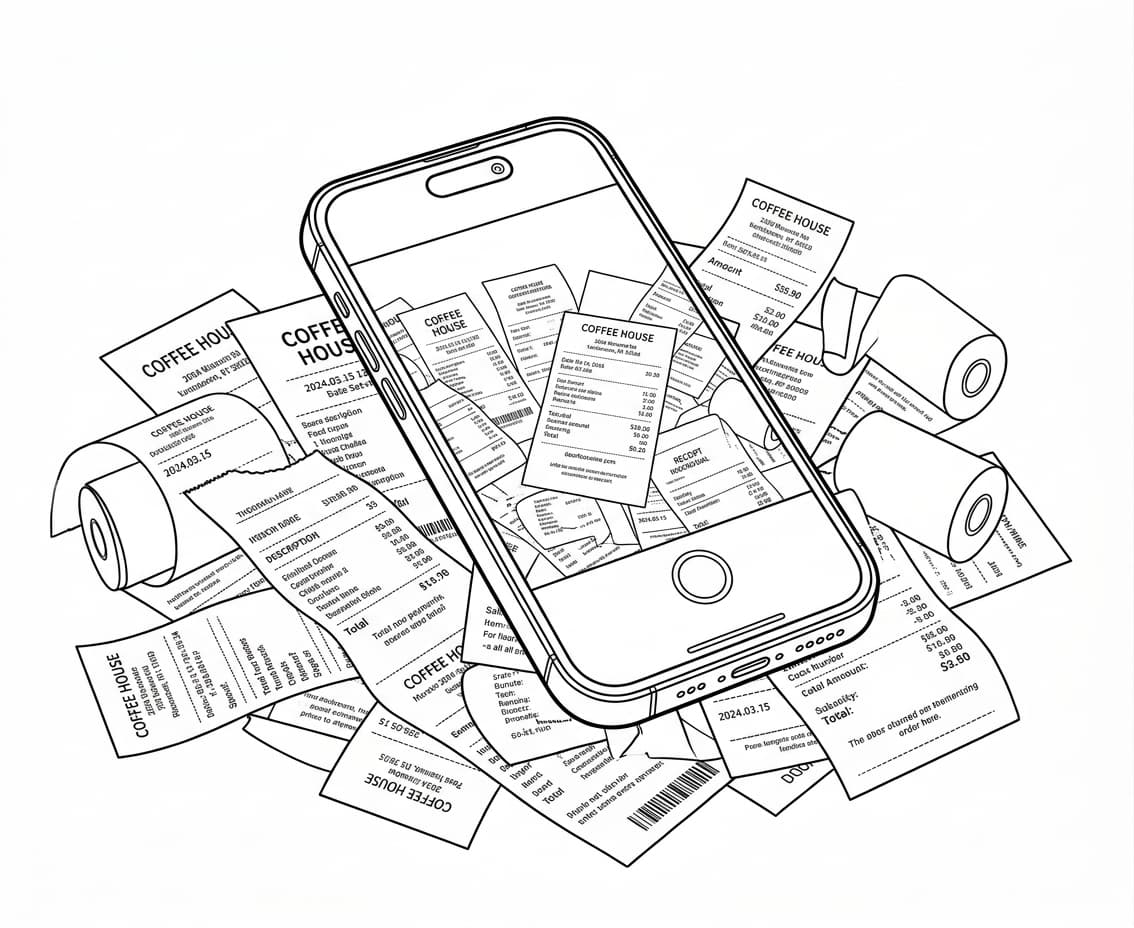
Mobile PWA — use anywhere
Add to your iPhone or Android home screen. No store LAN or POS PC required — capture and upload over HTTPS from anywhere.
OCR auto-read
Google Vision OCR extracts amount, date, and vendor. Less manual retyping.
Rules + AI classification
Vendor rules handle most cases. Unclassified items get Gemini-assisted sorting to reduce gaps.
Duplicates & tax summary
Detect duplicate receipt uploads. Monthly GST/HST-style summaries for accounting.
Secure cloud storage
Receipt images in B2 storage; metadata in Firestore. Filter by period, vendor, and category in the dashboard.
Franchise dashboard link
Connects to TheZone dashboard so stores and HQ see the same expense data.
Offline queue
Capture and crop even when the network drops; uploads when you’re back online.
Simple install
Open the install page in the browser and add to home screen — no app store review needed.
How it works
From capture to report
TheZoneReceipt connects capture → classify → store → review in one flow.

1. Capture — crop receipt
Take a photo, crop the receipt area, compress. Process multiple receipts in a row.
2. OCR — auto extract
Amount, date, and vendor are read automatically. Confirm and submit.
3. Classify — rules · AI
Vendor rules assign categories. Edge cases get AI assist, then review.
4. Store — cloud
Image and metadata stored securely. Duplicate uploads are blocked.
5. Report — web review
Expense reports by period, store, and category. Monthly tax summaries.
Video
See TheZoneReceipt in action
Watch the core flow from capture through classification to reports.
Install · QR
Install TheZoneReceipt on store phones
Scan QR with your phone
Scanning opens iPhone or Android install steps automatically on the device.
Or copy the link and send it by text or chat.
https://ezorder-platform.web.app/expense/install.html
Add to your home screen for a TZR app icon — works like a native app.
- • iPhone — Safari → 공유 → 홈 화면에 추가
- • Android — Chrome → 앱 설치 / 홈 화면에 추가
- • 아이콘: 주황 TZR · 이름: TheZoneReceipt
At a glance
TheZoneReceipt — receipt expense PWA
- Mobile PWA — use anywhere
- Capture · crop receipts
- OCR auto-read
- Rules · AI classification
- Duplicate detection
- Monthly GST/HST summary
- Cloud storage · reports
- Offline queue · auto upload
- TheZone dashboard link
Get started with TheZoneReceipt
Open the install page for iPhone and Android home-screen steps, then start capturing.
Separate from POS demo — this is the receipt expense app.
Legal (English official · 한국어 참고)